
CineBoxHD
Movies & Series App for Android & Fire TV
CineBoxHD is the official manual-install app for Android, Android TV and Fire TV devices. Download the latest version from this site.
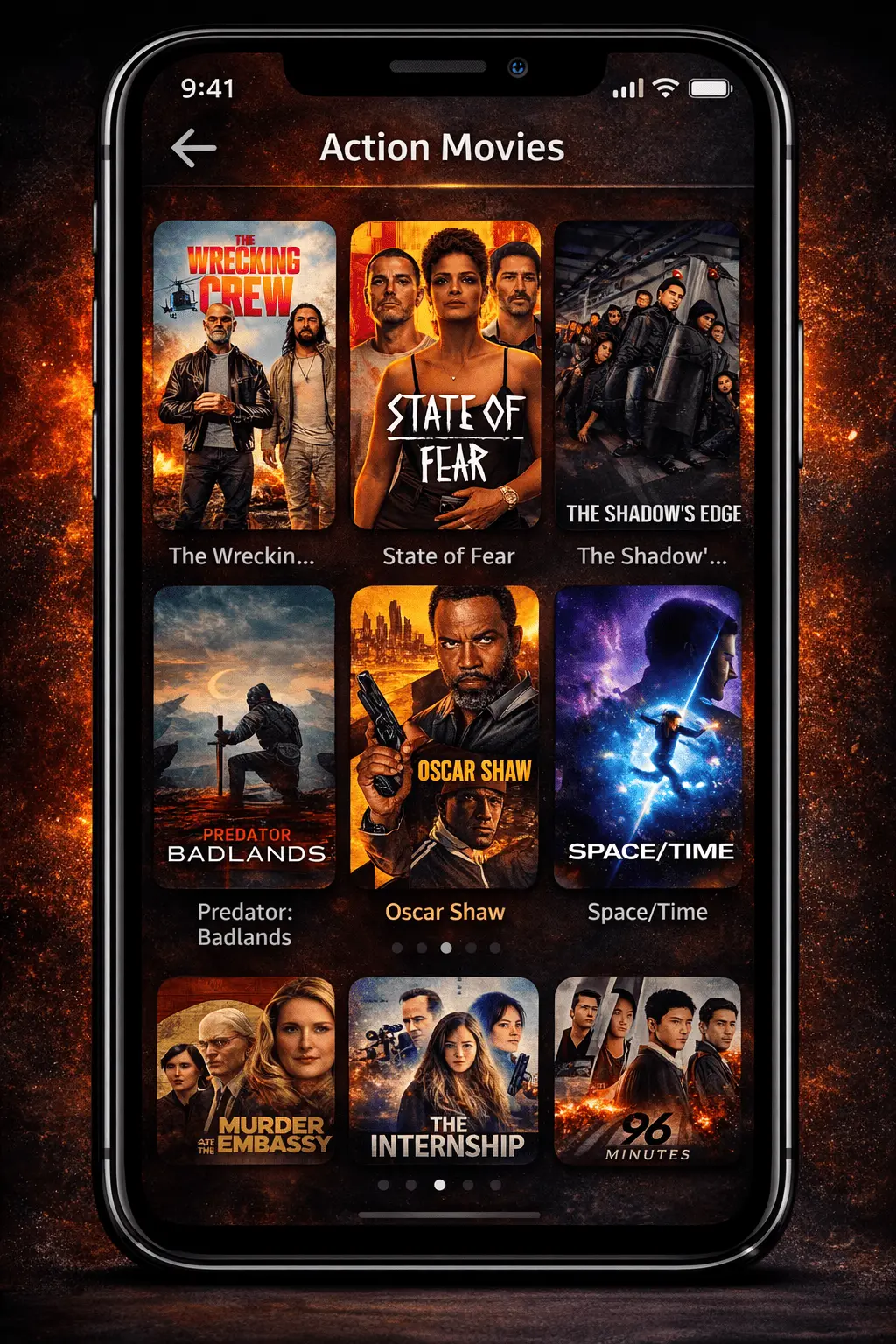
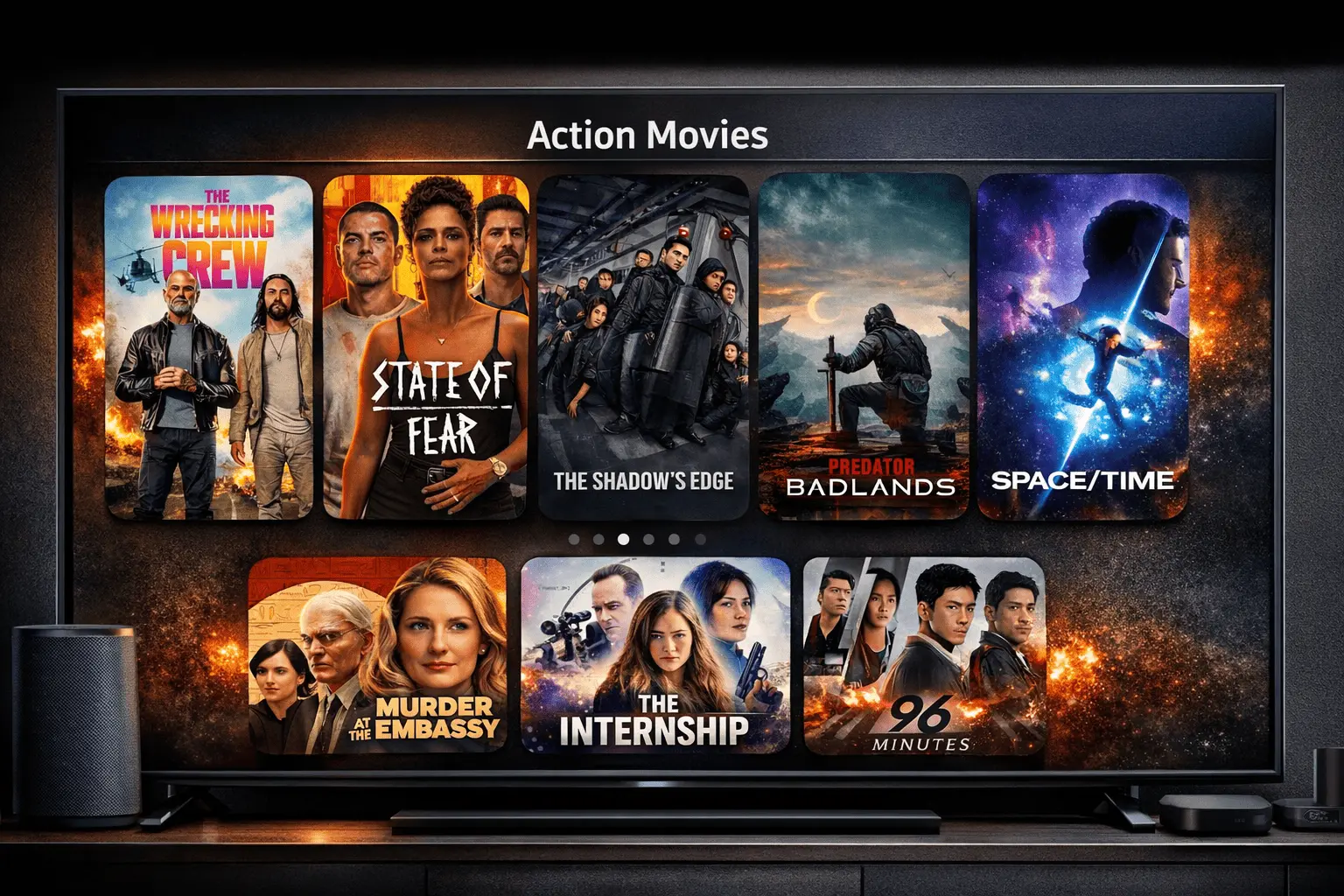
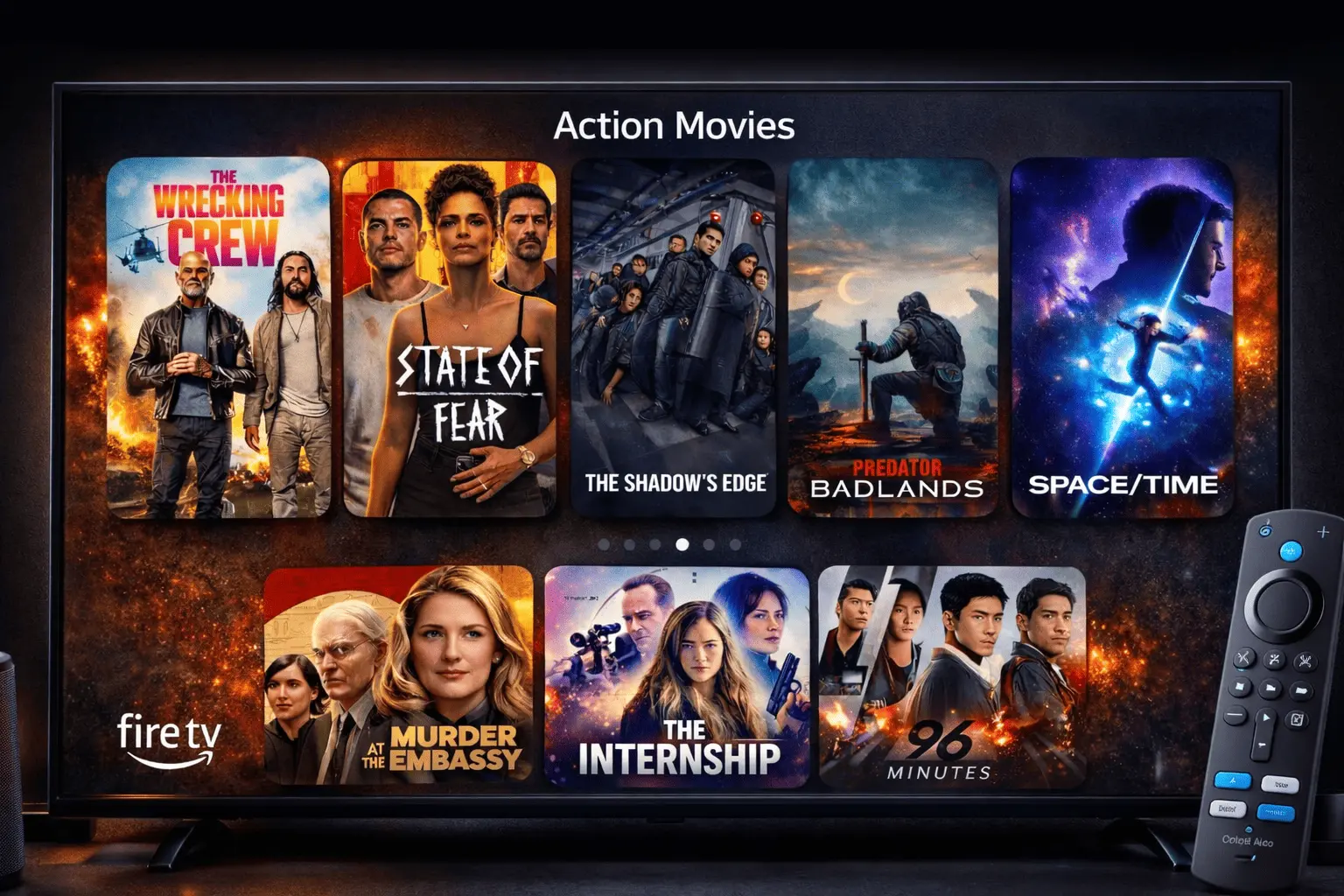
CineBoxHD works seamlessly on Mobile, Android TV, and Fire TV.
This is the Official CineBoxHD Website
CineBoxHD is distributed only through this page. Download the latest build here for stability and updates.
- ✅ Only trusted download links
- ✅ Latest version always posted here
- ✅ Manual install for Android, Android TV & Fire TV
February 2026
e98ea91a9e6a6fd5a7f40777550a6ad90db78769e9e4c859963a354f0da5afa2
- • Performance improvements
- • UI polish for TV
- • Bug fixes & stability
Top Features
CineBoxHD is built for smooth playback, fast browsing, and a premium experience on both mobile and big screens.
Optimized Performance
Fast loading, smooth navigation, and lightweight design across all devices.
Big Screen Experience
Remote-friendly layout designed for Android TV and Firestick devices.
Manual Install Support
Install easily with APK download or Downloader code — no app store required.
Included in CineBoxHD
- 🎬 Movies & Series Library
- 🔍 Fast Search & Categories
- ⭐ Favorites & Watchlist Support
- 🎞️ HD Playback & Subtitles
- 📱 Mobile + Tablet Ready
- 📺 Android TV Optimized UI
- 🔥 Firestick Downloader Install
- 🛠️ Frequent Updates & Fixes
Install Guide Android • Android TV • Fire TV
CineBoxHD is installed manually. Choose your device below and follow the steps.
-
1
Download the APK (Phone)
Tap Download APK on this page. Wait for the file to finish downloading.
-
2
Allow Unknown Apps (Phone)
Go to Settings → Security (or Privacy) and enable Install unknown apps.
-
3
Install CineBoxHD
Open the downloaded file and tap Install. Allow any prompts.
-
4
Open the App
Launch CineBoxHD from your home screen. You’re ready.
-
1
Install Downloader (Android TV)
Open your TV app store and install Downloader (or your preferred browser).
-
2
Enable Unknown Apps (Android TV)
Go to Settings → Device Preferences → Security & Restrictions and enable Install unknown apps.
-
3
Download the APK (Android TV)
Open Downloader and enter your CineBoxHD download link (or use this website in the TV browser).
-
4
Install & Open
Install the APK and open CineBoxHD from your Apps list.
-
1
Open Settings (Fire TV)
Go to Settings → My Fire TV.
-
2
Developer Options (Fire TV)
Open Developer Options (or “Device & Software”).
-
3
Allow Unknown Apps (Fire TV)
Enable Install unknown apps for Downloader.
-
4
Enter the Code
Open Downloader and enter: 9093083
Frequently Asked Questions
Tap a question to expand.
